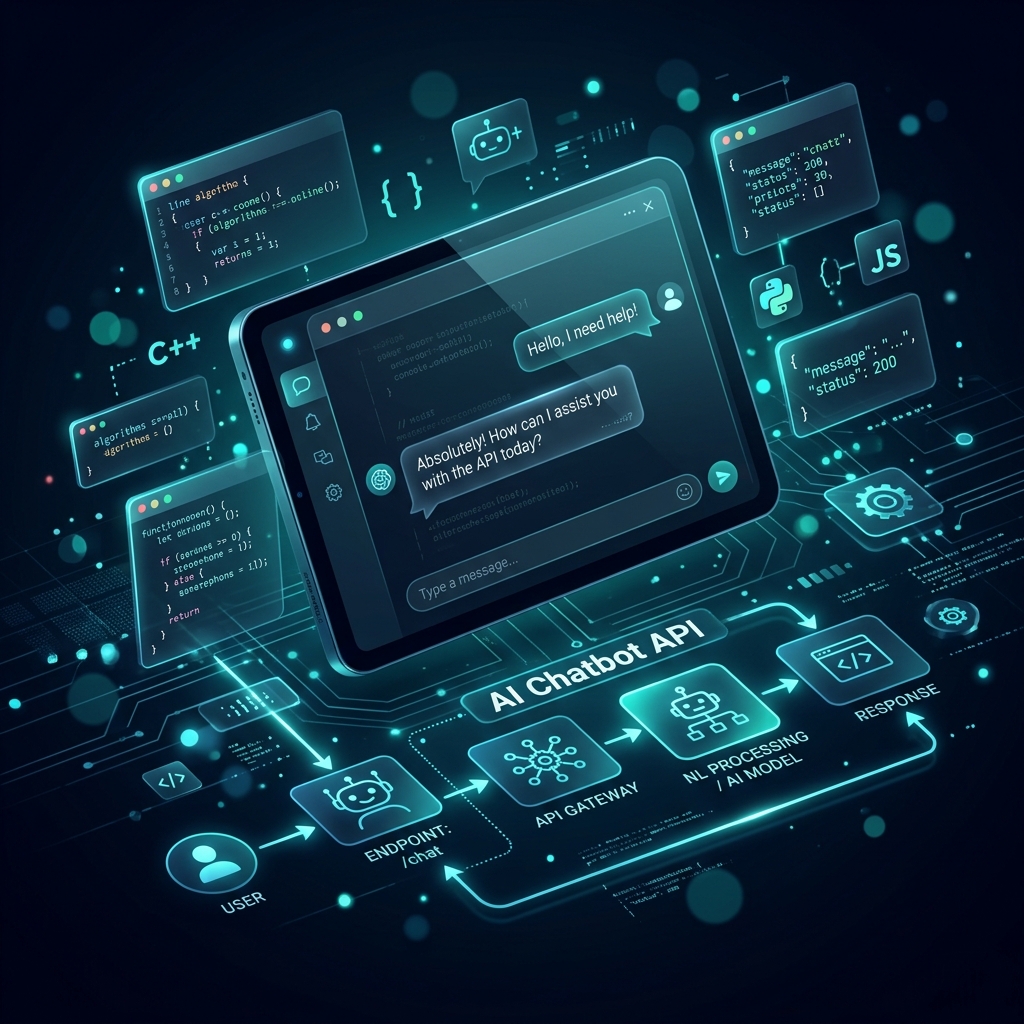
What you'll build
A production-ready chatbot API with Express.js that supports streaming responses, conversation history, and model switching — all through a single Izzi API key. Total build time: 30 minutes.
Prerequisites
- Node.js 18+ installed
- Izzi API key (get one free)
- Basic Express.js knowledge
Step 1: Project setup
Bash
mkdir ai-chatbot && cd ai-chatbot
npm init -y
npm install express openai cors dotenv
Step 2: Build the chatbot server
TypeScript
// server.ts
import express from "express";
import OpenAI from "openai";
import cors from "cors";
import "dotenv/config";

const app = express();
app.use(cors());
app.use(express.json());

const client = new OpenAI({
  apiKey: process.env.IZZI_API_KEY!,
  baseURL: "https://api.izziapi.com/v1",
});

// In-memory conversation store (use Redis in production)
const conversations = new Map<string, Array<{role: string; content: string}>>();

// POST /chat — standard response
app.post("/chat", async (req, res) => {
  const { message, conversationId = "default", model = "claude-sonnet-4-20250514" } = req.body;

  // Get or create conversation history
  if (!conversations.has(conversationId)) {
    conversations.set(conversationId, []);
  }
  const history = conversations.get(conversationId)!;
  history.push({ role: "user", content: message });

  try {
    const response = await client.chat.completions.create({
      model,
      messages: [
        { role: "system", content: "You are a helpful AI assistant." },
        ...history,
      ],
      max_tokens: 2000,
    });

    const reply = response.choices[0].message.content || "";
    history.push({ role: "assistant", content: reply });

    res.json({
      reply,
      model,
      tokens: response.usage?.total_tokens,
      conversationId,
    });
  } catch (error: any) {
    res.status(500).json({ error: error.message });
  }
});

// POST /chat/stream — streaming with SSE
app.post("/chat/stream", async (req, res) => {
  const { message, model = "claude-sonnet-4-20250514" } = req.body;

  res.setHeader("Content-Type", "text/event-stream");
  res.setHeader("Cache-Control", "no-cache");
  res.setHeader("Connection", "keep-alive");

  const stream = await client.chat.completions.create({
    model,
    messages: [{ role: "user", content: message }],
    stream: true,
  });

  for await (const chunk of stream) {
    const content = chunk.choices[0]?.delta?.content || "";
    if (content) {
      res.write(`data: ${JSON.stringify({ content })}\n\n`);
    }
  }
  res.write("data: [DONE]\n\n");
  res.end();
});

app.listen(3000, () => console.log("Chatbot running on :3000"));
Step 3: Test it
Bash
# Standard chat
curl -X POST http://localhost:3000/chat \
  -H "Content-Type: application/json" \
  -d '{"message": "What is a closure in JavaScript?"}'

# Streaming chat
curl -X POST http://localhost:3000/chat/stream \
  -H "Content-Type: application/json" \
  -d '{"message": "Explain event loop in Node.js"}' \
  --no-buffer
Step 4: Add model fallback
TypeScript
async function chatWithFallback(messages: any[], models: string[]) {
  for (const model of models) {
    try {
      return await client.chat.completions.create({
        model,
        messages,
        max_tokens: 2000,
      });
    } catch (error) {
      console.log(`${model} failed, trying next...`);
      continue;
    }
  }
  throw new Error("All models failed");
}

// Usage: try paid model first, fall back to free
const response = await chatWithFallback(messages, [
  "claude-sonnet-4-20250514",  // Paid - best quality
  "deepseek-r1-0528",          // Free fallback
  "qwen3-235b-a22b",           // Free fallback 2
]);
Cost analysis
For a chatbot handling 1,000 conversations/day (avg 5 turns, 500 tokens each):
| Setup | Monthly cost |
|---|---|
| Claude Sonnet 4 (direct) | $225 |
| Claude Sonnet 4 (Izzi API) | $157 |
| Free model (DeepSeek R1) | $0 |
| Mixed (80% free, 20% paid) | $31 |