#
In the ever-evolving world of web scraping, Scrapling emerges as a powerful and user-friendly tool designed to make data extraction seamless. In this tutorial, we will dive into the features of Scrapling, explore its functionality, and guide you through the setup and basic usage.
What is Scrapling?
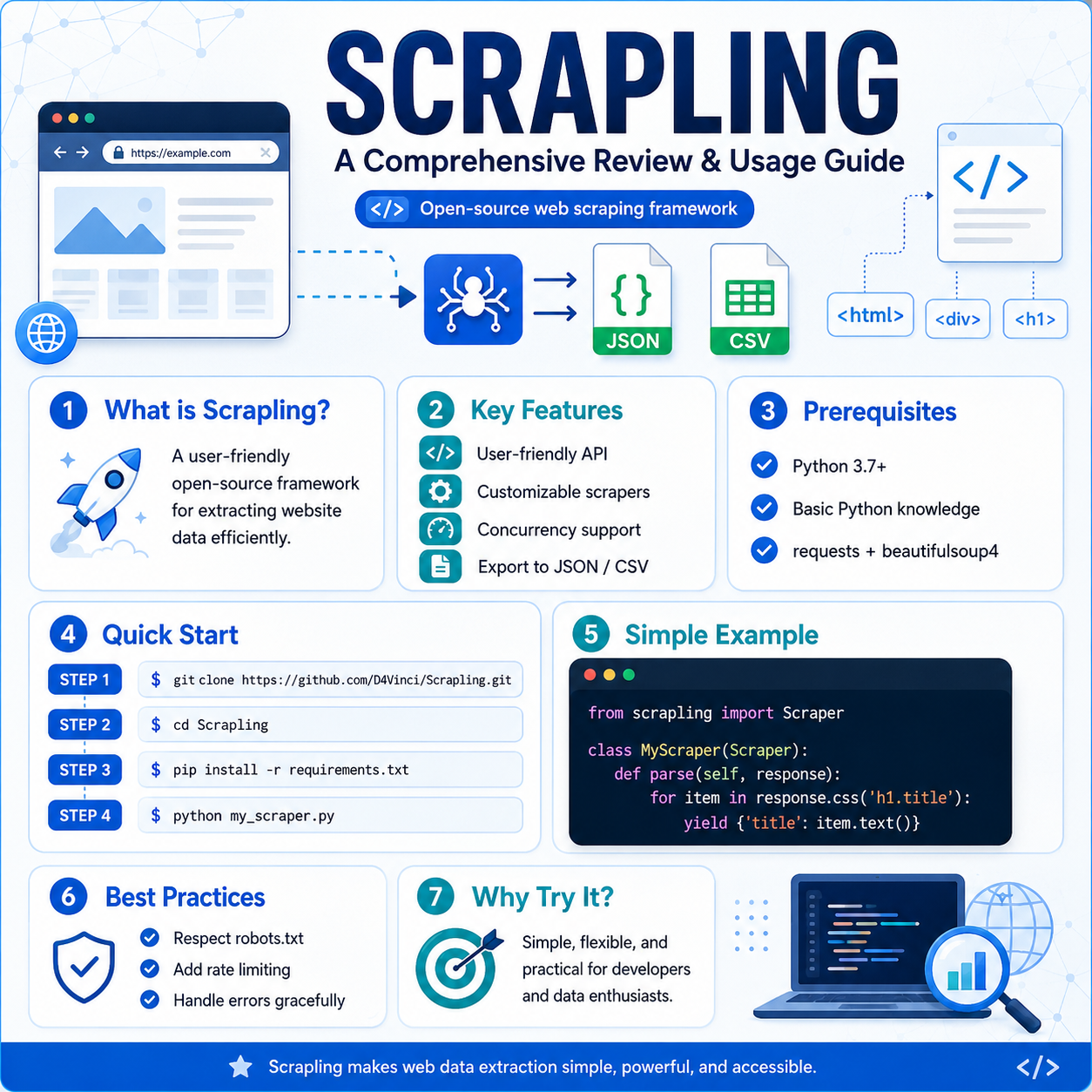
Scrapling is an open-source web scraping framework available on GitHub. It simplifies the process of extracting data from websites by providing an approachable interface and robust features. The tool is perfect for developers and data scientists looking to gather data effortlessly while respecting web scraping ethics.
Key Features
- User-friendly API: Scrapling offers an easy-to-use API, which allows for quick implementation and execution of scraping tasks.
- Customizable Scrapers: You can create custom scrapers tailored to your specific data extraction needs.
- Concurrency Support: Scrapling can handle multiple requests simultaneously, improving performance and efficiency.
- Data Export Options: Easily export scraped data in formats like JSON or CSV for your analysis.
Prerequisites
Before you begin using Scrapling, ensure you have the following:
- Python 3.7 or later installed on your machine.
- Basic knowledge of Python and web scraping concepts.
- Relevant libraries (like
requestsandbeautifulsoup4) installed in your Python environment.
Getting Started with Scrapling
Follow these steps to set up and use Scrapling.
Step 1: Installation
- Clone the repository:
bash git clone https://github.com/D4Vinci/Scrapling.git
- Navigate to the directory:
bash cd Scrapling
- Install the required dependencies:
bash pip install -r requirements.txt
Step 2: Create a Simple Scraper
Let's create a simple scraper that extracts titles from a sample webpage.
- Create a new Python file,
my_scraper.py:
from scrapling import Scraper

class MyScraper(Scraper):
def parse(self, response):
for item in response.css('h1.title'):
yield {'title': item.text()}

if **name** == "**main**":
scraper = MyScraper()
scraper.start('https://example.com')
In this example, we define a scraper class MyScraper that extends Scraper. The parse method is used to define how we want to extract data from the webpage.
Step 3: Running the Scraper
Run your scraper script with the command:
python my_scraper.pyUpon execution, the scraper will visit the specified URL and extract data based on your defined logic.
Step 4: Exporting Data
Scrapling allows you to export data in JSON format easily. Modify the start method in your scraper:
if **name** == "**main**":
scraper = MyScraper()
scraper.run('https://example.com', output='data.json')
This command will save the extracted titles from the webpage into a data.json file.
Best Practices for Web Scraping with Scrapling
- Respect Robots.txt: Always check the website’s
robots.txtto ensure you are allowed to scrape the content.
- Rate Limiting: Implement delays between requests to prevent overloading servers.
- Error Handling: Incorporate error handling in your scrapers to manage exceptions gracefully.
Conclusion
Scrapling is a powerful tool for web scraping that offers both simplicity and flexibility for developers and data enthusiasts. By following this guide, you are now equipped to start your web scraping journey with Scrapling. Explore its features further and customize it to fit your data extraction needs!
For more information, check the official Scrapling repository. Happy scraping!